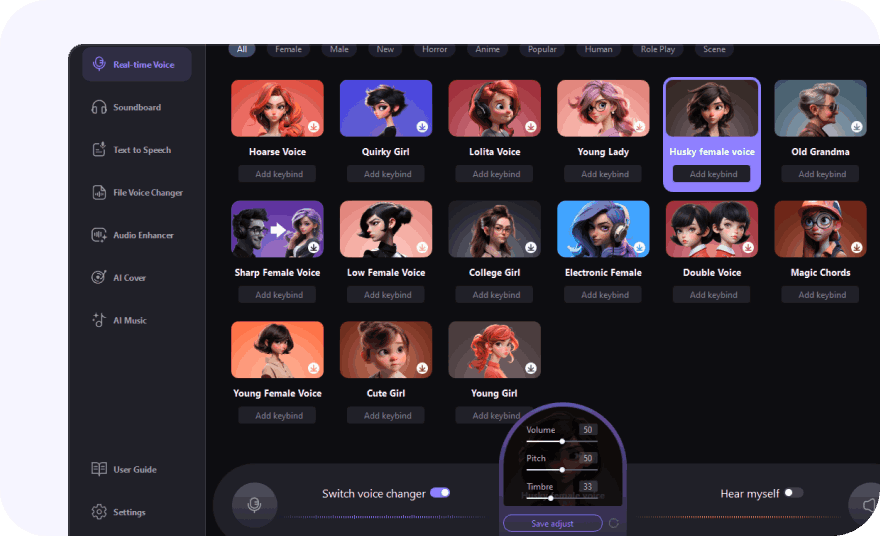
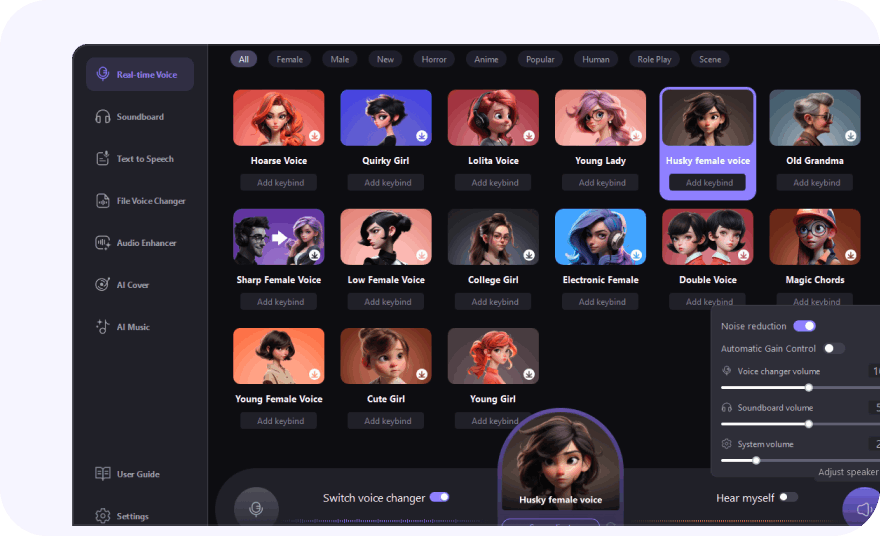
The Best Real-Time Voice Changer for Gamers, Streamers & Meetings

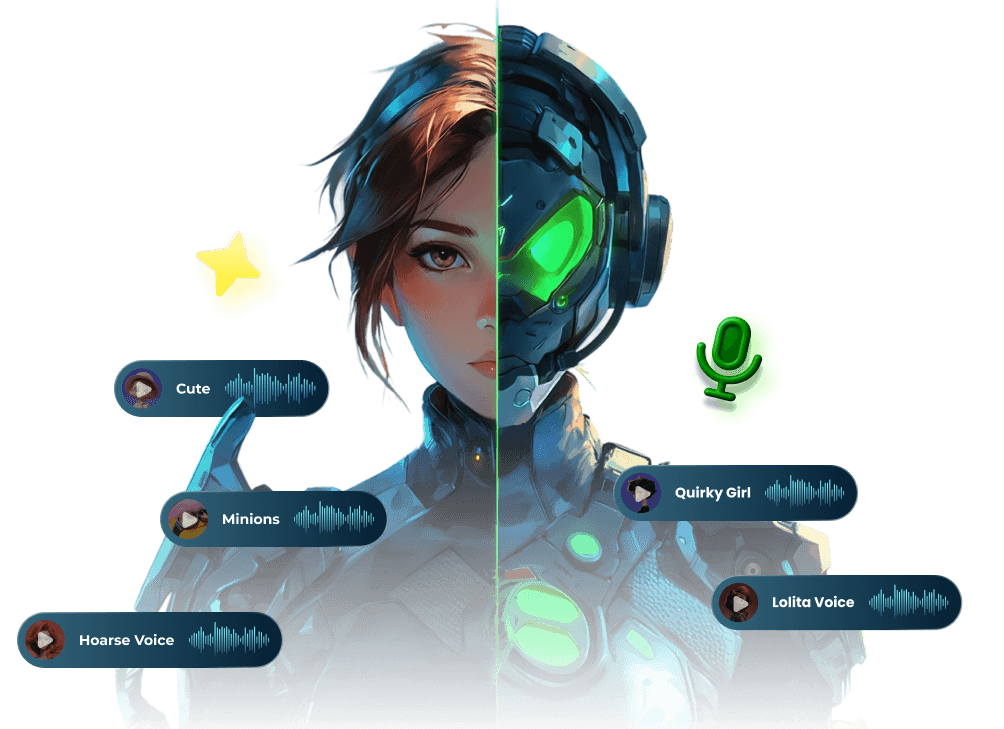
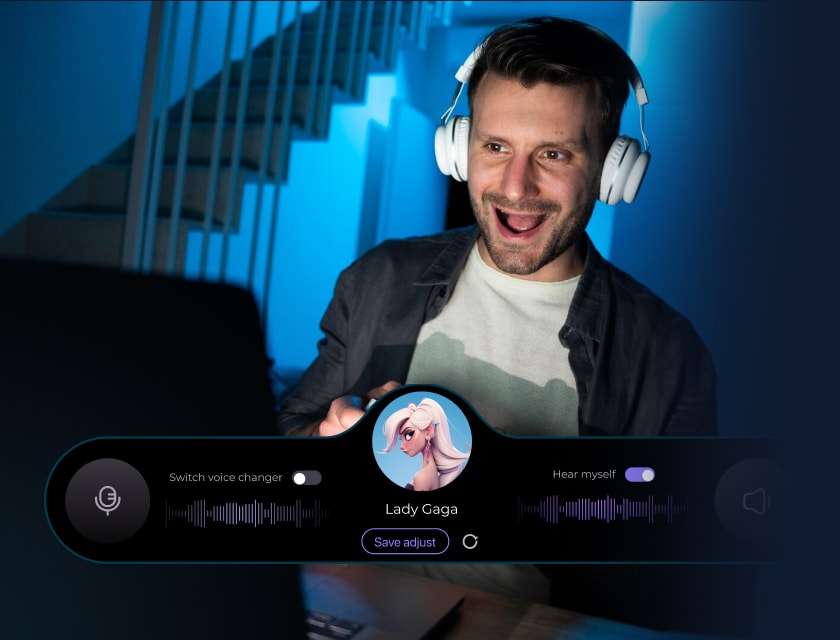
Live Voice Changer
Easy Setup
Noise Reduction
Keybinds Control

Seamless Voice Changing Across Your Platforms

Built-In One-Click Meme Soundboard for Voice Changing

HitPaw VoicePea includes a built-in one-click meme soundboard with funny sound effects. Use it alongside real-time voice changing on Discord, Twitch, or YouTube to add humor to gaming and live streaming.

Much More Than Just an AI Voice Changer

HitPaw VoicePea is a real-time voice changer packed with advanced AI-powered features. Transform your voice, enhance live streams with entertaining sound effects, and create music or AI cover songs—all in one tool.

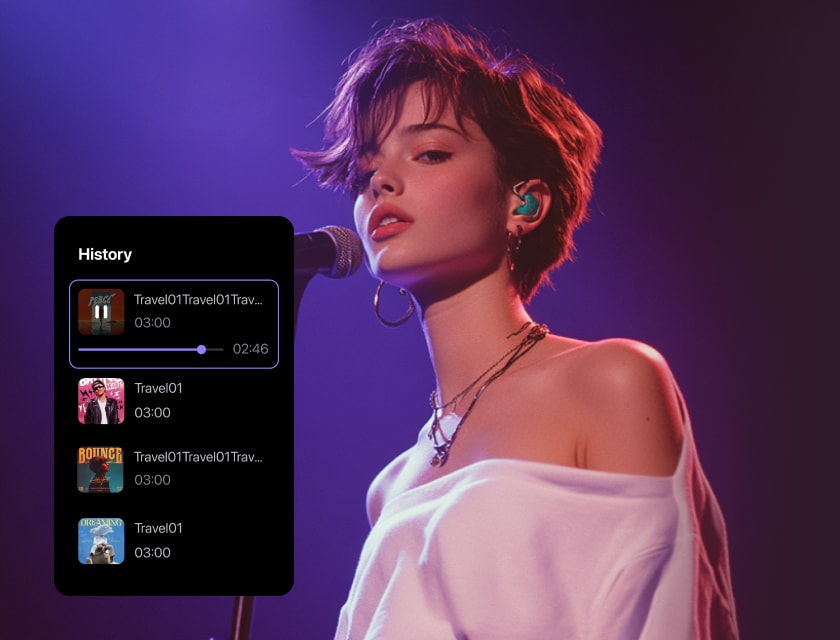
Create Dynamic AI Covers of Popular Songs

Convert any song into the voice of your favorite celebrity, singer, or anime character with AI algorithms. Simply upload a file or paste a YouTube link to generate realistic AI cover songs in seconds.

ai cover songs

Apply AI Voice Effects to Audio & Video Files

Support 50+ audio and video formats for effortless voice transformation. Upload recordings or files to apply AI-powered voice effects with natural and realistic results, ensuring high-quality audio output.

file voice changer

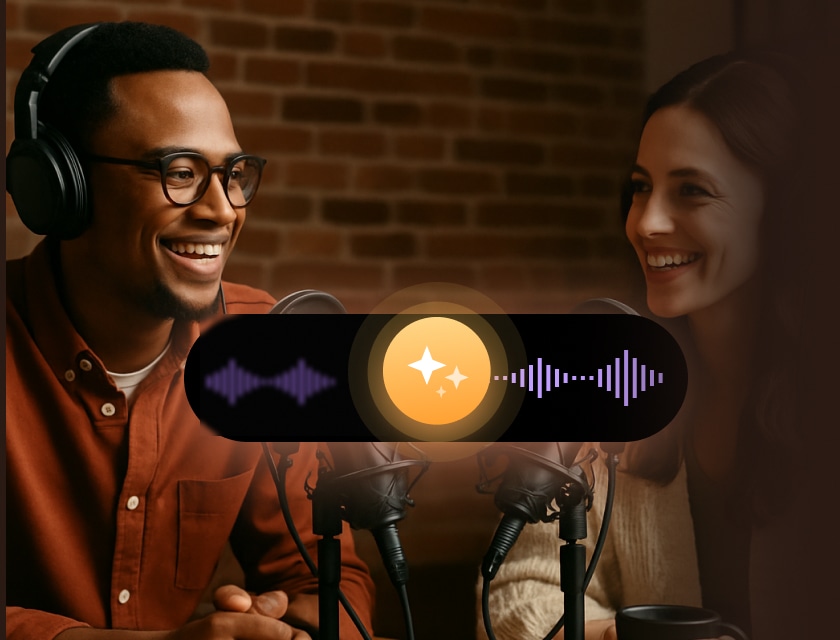
AI Audio Enhancer for High-Quality Output

Effortlessly enhance your audio quality with AI-driven noise reduction, echo cancellation, and automatic volume adjustment. Ensure crystal-clear sound for calls, recordings, and professional content.

ai audio enhancer

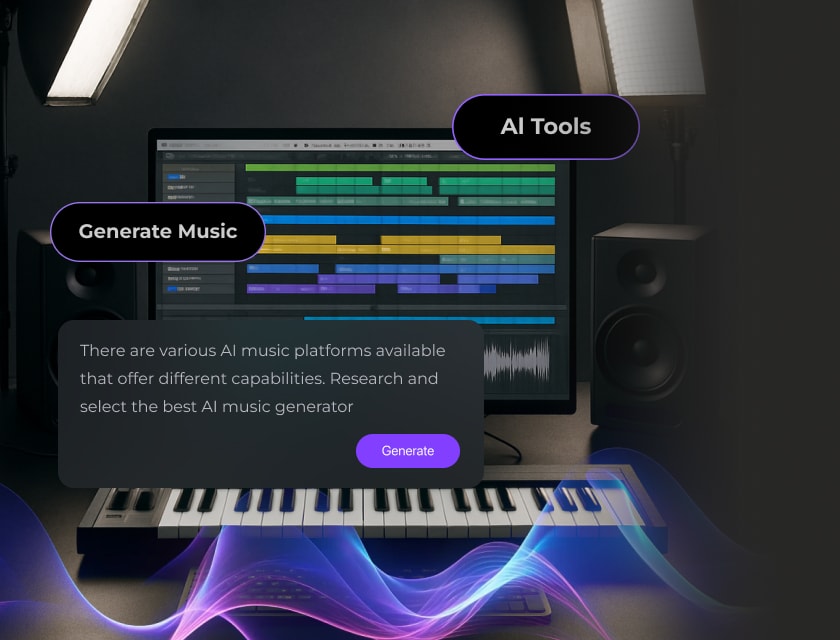
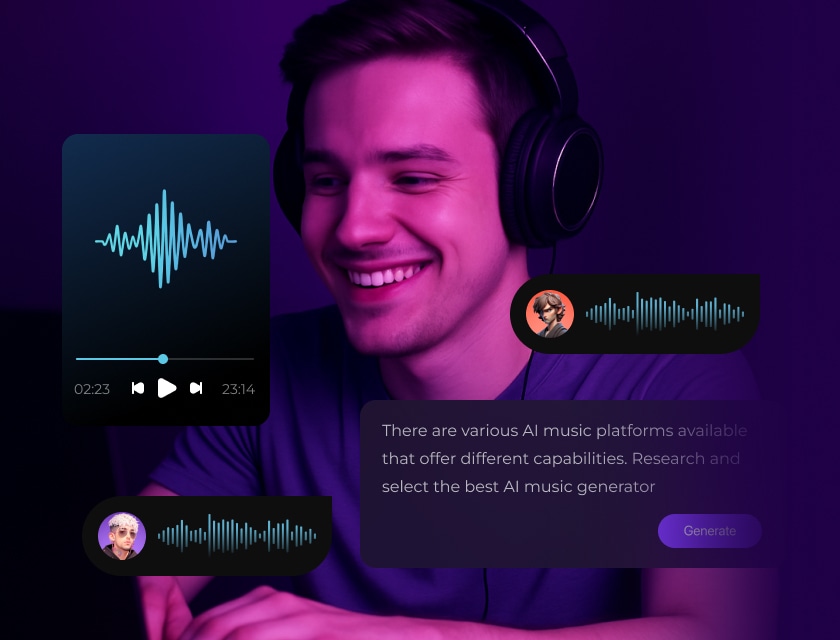
Music Generator Designed for Royalty-Free Music

Create unique, copyright-free background music with AI. Enter a simple prompt or select a genre, and let AI generate original tracks within seconds, perfect for videos, podcasts, and content creation.

ai music generator

Convert Text into Lifelike AI Voices

Convert text into expressive speech using advanced AI text-to-speech technology. Enjoy a variety of natural-sounding voices that add voiceovers to your presentations, videos, podcasts, and audiobooks.

text to speech

See What Users Say about HitPaw VoicePea

youtuber 1

J.Force Gaming

200K Subscribers

Best Real Time Voice Changer For Multiplayer Games, Live Streaming

youtuber 2

Bang Tutorial

1.37M Subscribers

FREE!! The Latest Voice Changer for Online Games

youtuber 3

GamingAtMax

27.6K Subscribers

Change Your Voice For Trolling in Games etc.

riley review of hitpaw voicepea

Riley Kim

TikTok Gaming Streamer

Soundboard + Real-Time Voice = Streamer’s Dream!

HitPaw VoicePea’s real-time voice changer and built-in soundboard make my TikTok streams far more entertaining and interactive. Switching voices mid-game and triggering funny effects with shortcuts keeps my audience engaged—and coming back for more.

review star
jordan review of hitpaw voicepea

Jordan Lewis

YouTube Content Creator

Voice Overs Made Easy—And Fun!

HitPaw VoicePea's Text to Speech and File Voice Changer have been lifesavers for someone who runs a YouTube channel solo. I can easily convert my scripts into natural-sounding voiceovers, and even tweak the pitch, speed, and volume until it fits the vibe perfectly.

review star
ashley review of hitpaw voicepea

Ashley Miller

College Student

My New Favorite Prank Voice Modulation

I’m obsessed. HitPaw VoicePea is honestly the funniest app I’ve downloaded this semester. I use it to prank my friends during voice chats—it never gets old. You can sound like a robot, a baby, or even a monster, and the reactions are absolutely priceless every single time.

review star
beebom pcword appleinside macworld forbes macworld softonic tt icon
hongkiat toolify ai analytics insight mu technobezz techbullion teghtimes

How to Change Your Voice with HitPaw VoicePea

how to get voice changer

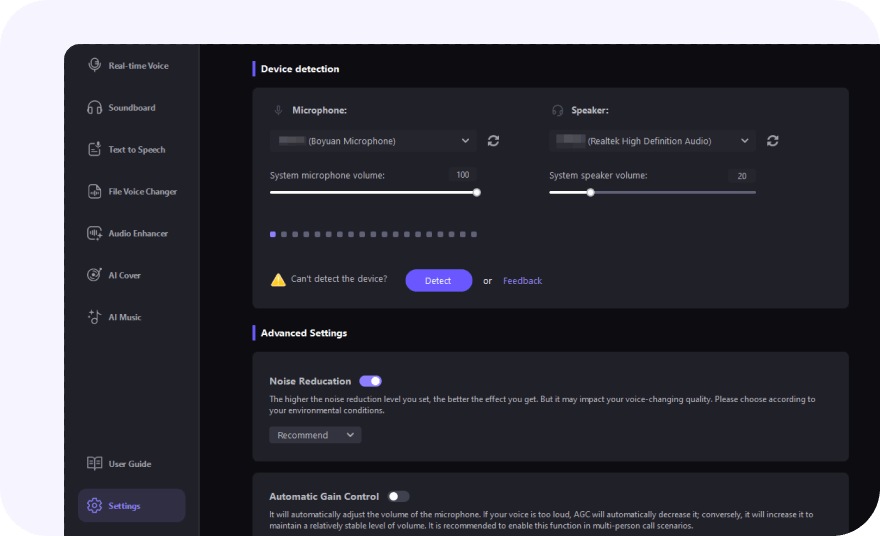
Step 1: Input and Output Settings

Go to "Settings", and click the drop-down button to select the input and output you are using.

how to use hitpaw voicepea

Step 2: Select AI Voice

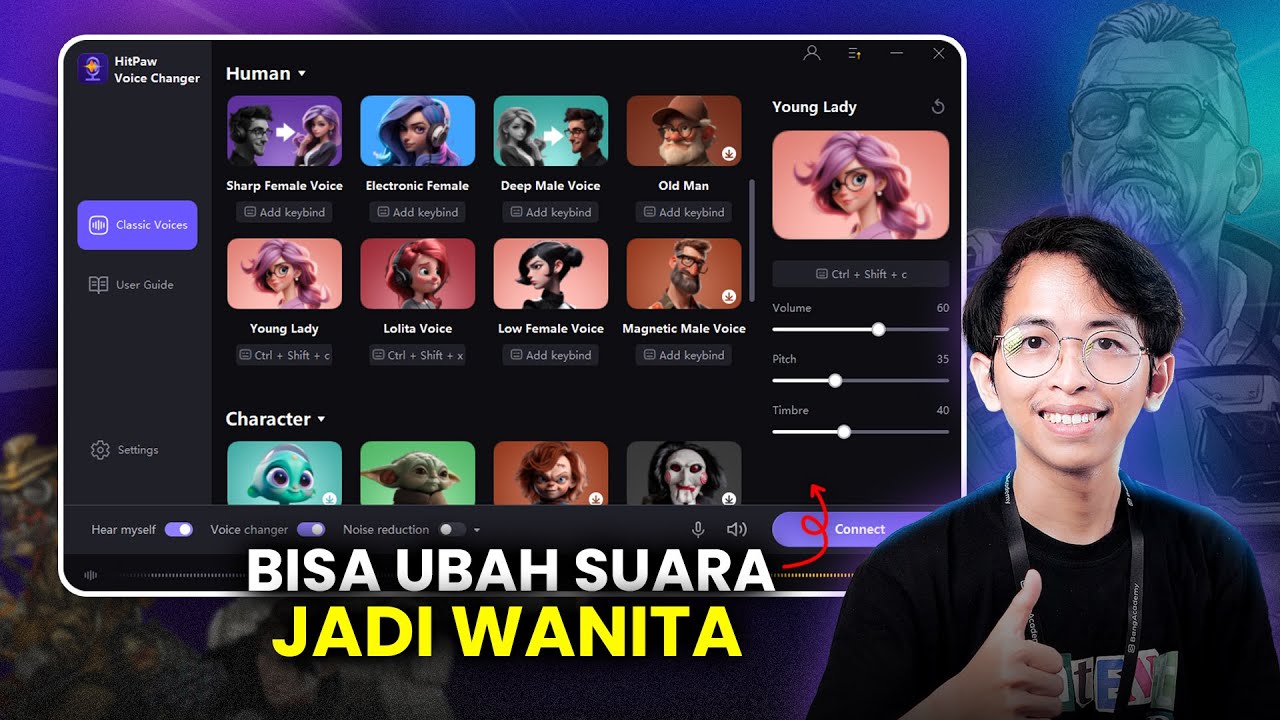
Click to apply the AI voice you like, and customize settings such as volume, pitch, and timbre.

how to use hitpaw changer

Step 3: Test and Fine-Tune Your Voice

Adjust the volume and apply noise reduction to achieve the best voice-changing effect.

hitpaw voicepea discord logo

Join VoiCEO: A Voice Creator Community with HitPaw VoicePea

FAQs for HitPaw VoicePea

A real-time voice changer uses AI to modify pitch and tone instantly. HitPaw VoicePea (originally named HitPaw Voice Changer) delivers real-time, natural voice transformations and is a free voice changer that works seamlessly across platforms.

HitPaw VoicePea is one of the best Discord voice changers, offering deep Discord integration and ultra-low latency. It applies real-time voice effects without interrupting calls, making it ideal for gaming, chatting, and live streaming on Discord.

Yes. HitPaw VoicePea offers a free version for PC that includes access to selected AI voices and soundboard effects. It supports real-time voice changing, is easy to set up, and delivers smooth, high-quality audio for beginners and advanced users alike.

For better experience, HitPaw real-time AI voice effects are currently only available and displayed on Windows devices with/above Nvidia 4G and AMD 6G. We'll be updating our product soon to support all devices.

Yes. HitPaw VoicePea allows you to change your voice to a female or girl voice in real time using advanced AI technology. You can instantly adjust pitch and tone to sound more feminine, whether you want a cute girl voice, a natural female voice, or a character-style voice for gaming, streaming, or voice chat. All voice effects are applied live with smooth, realistic results.

Tips & Tricks for HitPaw AI Voice Changer

HitPaw VoicePea Change your voice live with one click
download
Click Here To Install